
Soft windows for your veranda
Learn more →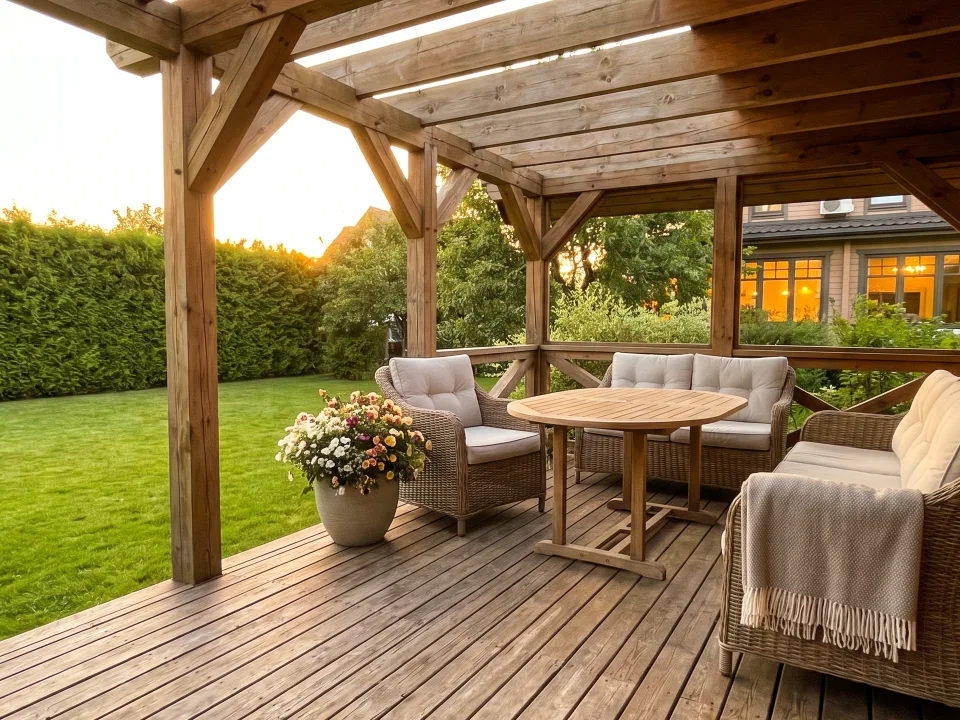
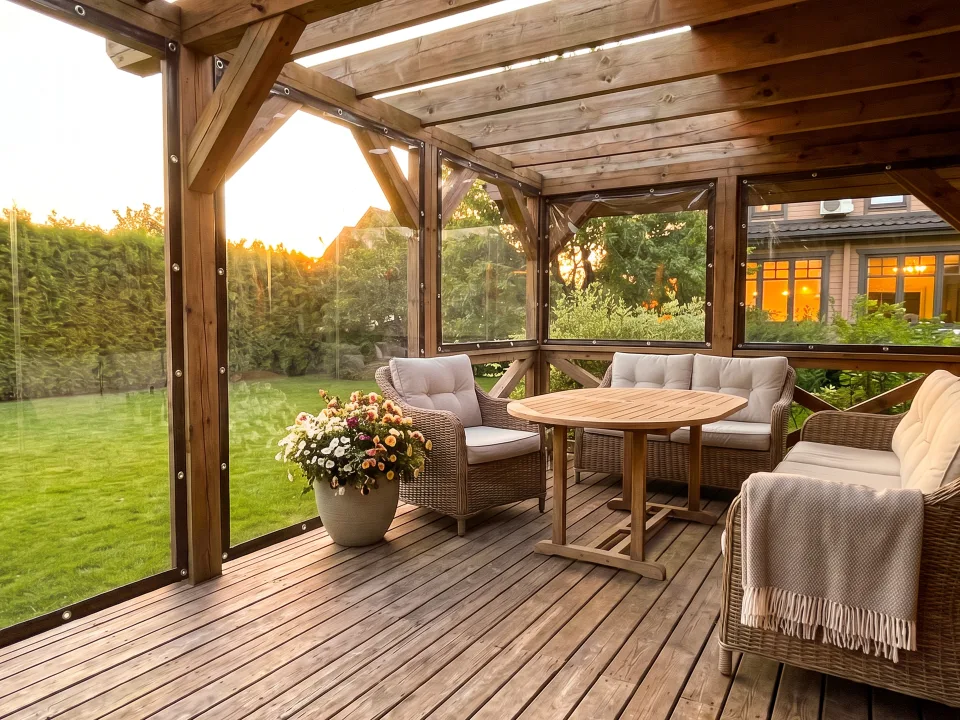 Source photoWith design
Upload a photo of the property and describe the change in words — the variant appears on your client’s real photo.
Sign in or sign up in one window, no password needed.
Visualizer · a KRAB PRO product
Create images from a description, edit your photos, combine several images into one scene, and assemble videos — for yourself, clients, and your team.
Create from a description, edit photos, combine images, and make videos.
No VPN required. Modern AI models for images and video.


Several photos — one scene

Mobile appAndroid and iPhone
The Visualizer in your pocket: a shot from the gallery, generation and video — wherever suits you.
Android
The official KRAB PRO page in the RuStore app store — installs and updates go through the store.
iPhone— to the Home Screen, no install
For your own home
Use your own photo for a personal project or a conversation with a customer.
Source photoWith design
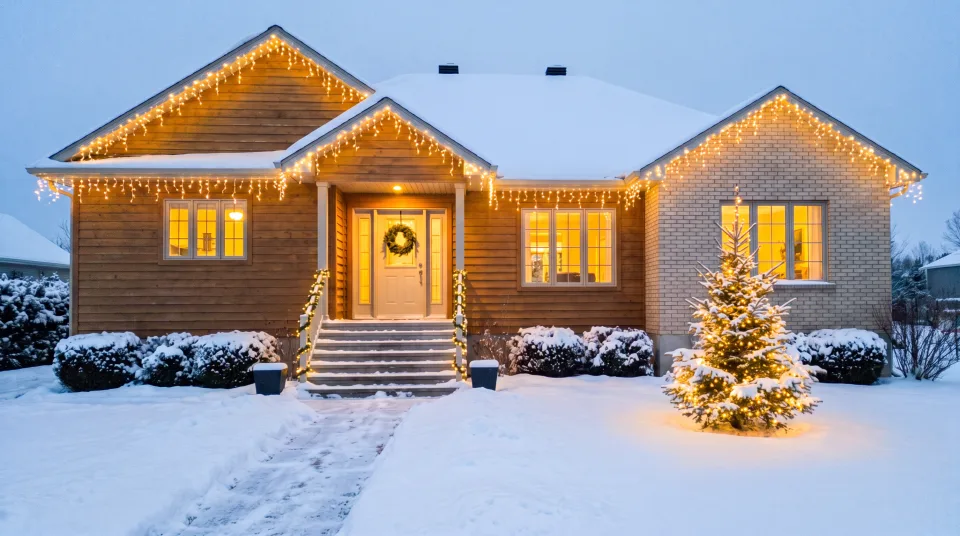 Source photoWith design
Visualizer
Start with an idea, a photo, or a ready-made scenario. Variants stay together, so you can return to a strong result and develop it further.
Pricing
Credits come with the plan. They pay for both images and clips — there is no separate balance for making videos.
Paid yearly — about 825 ₽ a month
Paid yearly — about 2 492 ₽ a month
Paid yearly — about 4 992 ₽ a month
Run out early? Top up with packs from 20 to 2000 credits — the higher the plan, the bigger the discount on a pack. Unused credits do not expire.
«Area selection on the photo» — outline the spot you want changed, and the edit applies only there: the rest of the frame stays untouched.
Video works on every paid plan.
FAQ
Signing up takes a minute: sign in with Yandex ID or MAX. If you have neither, sign in with your email — we'll send a code there for you to enter on the site. Link MAX and you get free generations, once per person. No card needed. You don't need a photo either: the first image can be made from a text description.
No. The product grew out of a tool a manufacturer used to show customers their future order — and it stayed universal: it works with any image and any task. Fixing your own photo, building a frame from scratch, turning it into a clip — none of that needs a company or employees.
The unit a run is paid in. A regular image is 2 credits, an economy one is 1, the highest quality and size is up to 7. A clip starts at 9 credits; a regular eight-second one is 36. Credits come with the plan and can be topped up in packs; unused ones do not expire.
The model works from your frame and your words, so geometry and materials stay close to the source frame. But it is not a blueprint: it does not always land on the first try. If it misses, refine the frame — earlier versions stay where they are and you can return to them at any time.
Yes, sound is on by default and can be switched off. The model is free to return a silent file — in that case the caption under the clip honestly says «no sound» instead of claiming otherwise. Finished clips can be lined up on a track and merged into one file; trimming a clip and adding your own music are not available yet.
Anything finished can be downloaded at any time, and what you download is yours forever. When the term ends the project is removed from the workspace; paid plans keep it noticeably longer — 30, 60 and 90 days against 7 on the free plan.
There is no KRAB PRO mark on the images on any plan. From Extended on you can add your own: logo and contacts. The clip file itself carries no mark.
Yes. You create a company and invite employees: a shared workspace, shared projects, a shared bill and shared credits. Extended and Premium allow several companies — for brands or branches.
Visualizer
Upload a photo or describe a scene. Visualizer keeps the variants together so you can continue from any useful result.
Try VisualizerRecording settings
We may record how you use the site (pages, cursor movements, clicks; what you type into fields is not recorded) so that a support agent can help you right away or call you, and so that we can fix errors. The recording is kept for 7 days.
You have consented to recording.
Your activity on the site is not being recorded.
Deletes every recorded visit from this browser, erases the cookie and stops recording.